
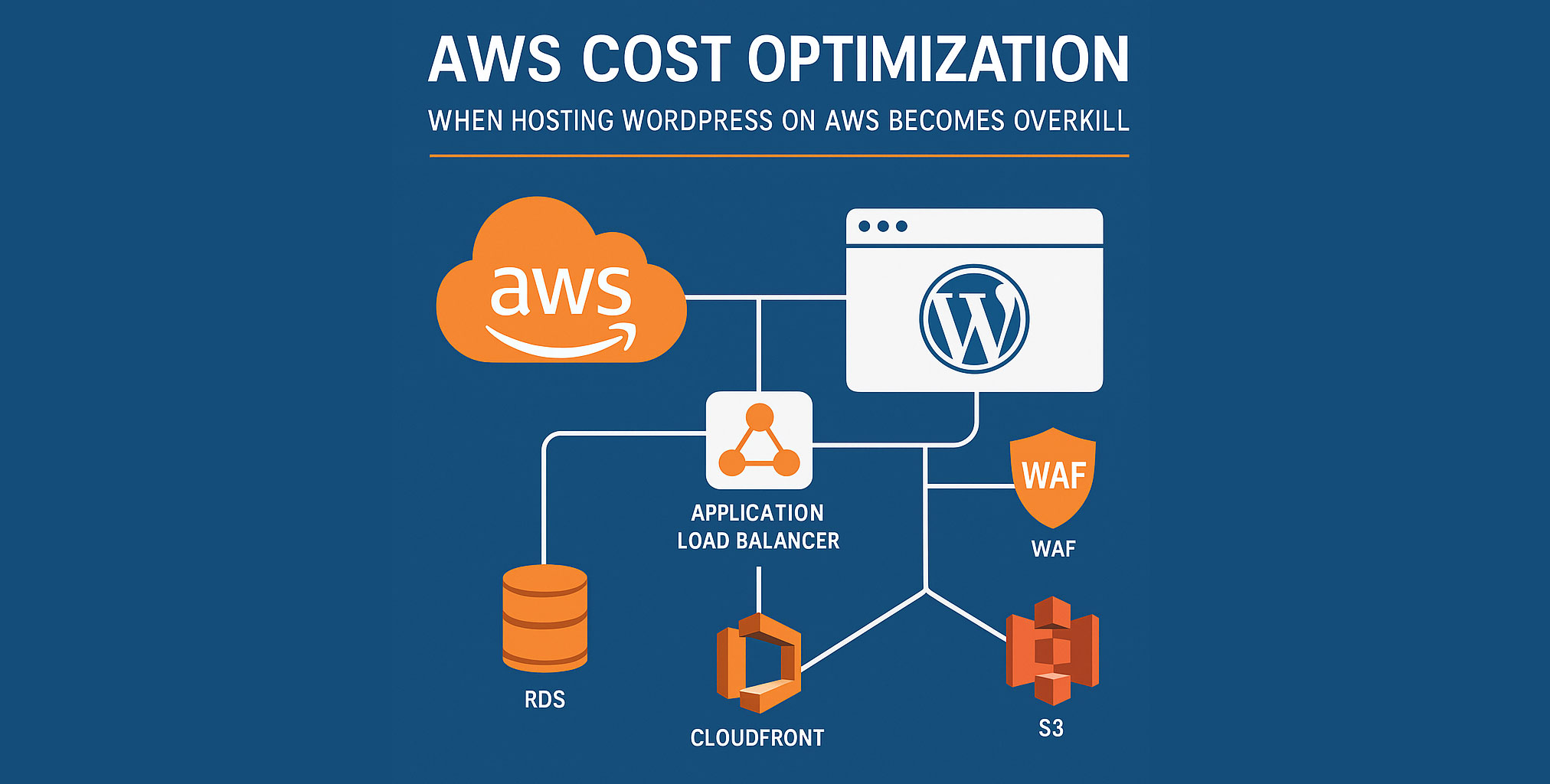
AWS Cost Optimization: When Hosting WordPress on AWS Becomes Overkill

Introduction
Hosting WordPress on AWS might seem like the logical choice for scalability, performance, and security. But for many teams, what starts as a smart move turns into a slow, expensive monster—especially when layered with Load Balancers, WAFs, RDS, AMIs, CloudFront, and logging pipelines. We’ve seen teams spend over $100,000/year just to keep a content-heavy WordPress instance online. And that’s before you factor in deployment friction.
At DevX Digital, we’ve worked with clients running WordPress sites with thousands of pages, Gravity Forms integrations, and moderate traffic who could achieve the same performance, security, and reliability at a fraction of the cost.
This article breaks down:
- Why AWS setups for WordPress become overwhelmingly expensive
- What architectural mistakes cause budget bloat
- When you should use full-stack AWS—and when you absolutely shouldn’t
- How to reduce AWS costs without sacrificing performance
Why AWS WordPress Hosting Gets So Expensive
AWS pricing is modular—but that’s a double-edged sword. Here’s how the costs quietly pile up:
⚠️ Hidden Drivers of AWS Cost for WordPress
- Application Load Balancer (ALB) + WAF + Shield Advanced: Great protection, but expensive and overkill for most WP sites.
- CloudFront CDN: Fast global delivery, but costs add up with logs, custom rules, and high traffic.
- RDS (MySQL): Managed DBs are convenient but pricey, especially with multi-AZ and high backup retention.
- S3 buckets + CloudWatch logs + KMS encryption: All useful—but they silently stack up fees.
- Unused AMIs and idle EC2 environments: Dev, staging, and prod often run 24/7 even if unused.
- CI/CD Deployment Pipelines: Slow, overly complicated deploys that waste engineering time and increase operational cost.
Result: A fairly standard WordPress site (2K+ pages, active blog, forms, APIs) can hit $8K–10K/month—without enterprise-level traffic or SLAs.
When Full AWS Architecture Makes Sense (And When It Doesn’t)
✅ Use Full AWS Stack IF:
- You serve critical applications with uptime SLAs above 99.99%
- You’re subject to strict compliance standards (HIPAA, PCI, ISO 27001)
- You operate a multi-region SaaS with dynamic backend logic
- You need advanced IAM, logging, encryption, and auditing
❌ Don’t Use It IF:
- You run a WordPress marketing platform with static or semi-dynamic content
- Most of your architecture is read-heavy and cacheable
- You spend more time maintaining AWS than shipping features
- Your deploys take 30+ minutes and require DevOps to babysit them
What Can You Use Instead (at 5–10x Lower Cost)
You don’t need to compromise on quality. Here’s what a lean, performant, secure setup can look like:
🌐 Managed Hosting Providers (All with Global CDNs & Built-in Caching):
- Kinsta
- Rocket.net
- WPEngine
- Cloudways + DigitalOcean or Vultr HF
🔐 Security & Backup Stack:
- Cloudflare Pro (WAF + CDN + Rate Limiting)
- UpdraftPlus or JetBackup to S3
- Server-level firewall + fail2ban + basic IAM restrictions
⏩ Performance & Monitoring:
- Redis + Object Cache Pro
- New Relic or lightweight Grafana stack (for resource tracking)
- GitHub Actions for CI/CD with instant rollback and versioned deploys
All of this can run for €1,000–2,000/month, not 10x more.
Real Cost Optimization Steps You Can Take Today
🔧 1. Audit Your Infrastructure
- Are you paying for staging or dev environments 24/7?
- Are there old AMIs, snapshots, or unattached EBS volumes?
- Do you have autoscaling turned on for a single-region site?
📈 2. Kill the Bloat
- Remove unused ALBs, route traffic through Cloudflare directly
- Turn off WAF unless you’re under constant attack
- Disable verbose logging for staging/preprod
♻️ 3. Simplify Deployments
- GitHub Actions or Buddy + SSH pull > AWS CodeDeploy + IAM spaghetti
- Eliminate dependency on S3 syncs for frontend code
⌛ 4. Automate Cleaning
- Auto-delete snapshots older than X days
- Scheduled shutdowns for dev/staging after hours
Conclusion
AWS is not the enemy—bad architecture and unchecked sprawl are. If you’re running a WordPress site and spending five figures monthly on AWS, there’s a 90% chance you’re overpaying. Worse, you’re likely overengineering.
At DevX Digital, we help companies cut costs, reduce deployment friction, and reclaim engineering focus. All without sacrificing speed, security, or uptime.
📊 Want a second opinion on your AWS setup? Let’s talk. Our DevOps team can audit your infrastructure and show you how to save thousands—fast.